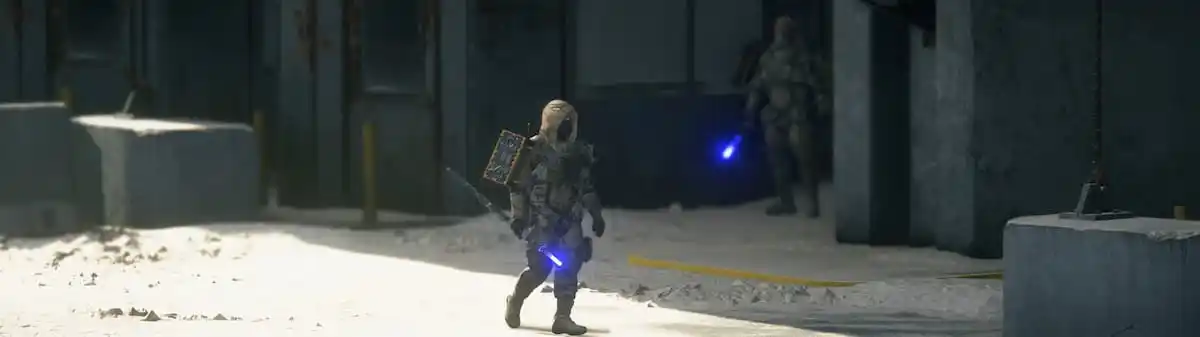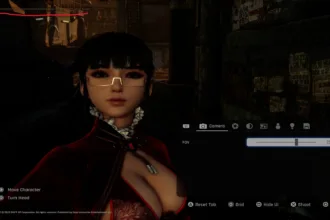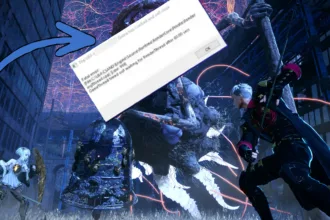

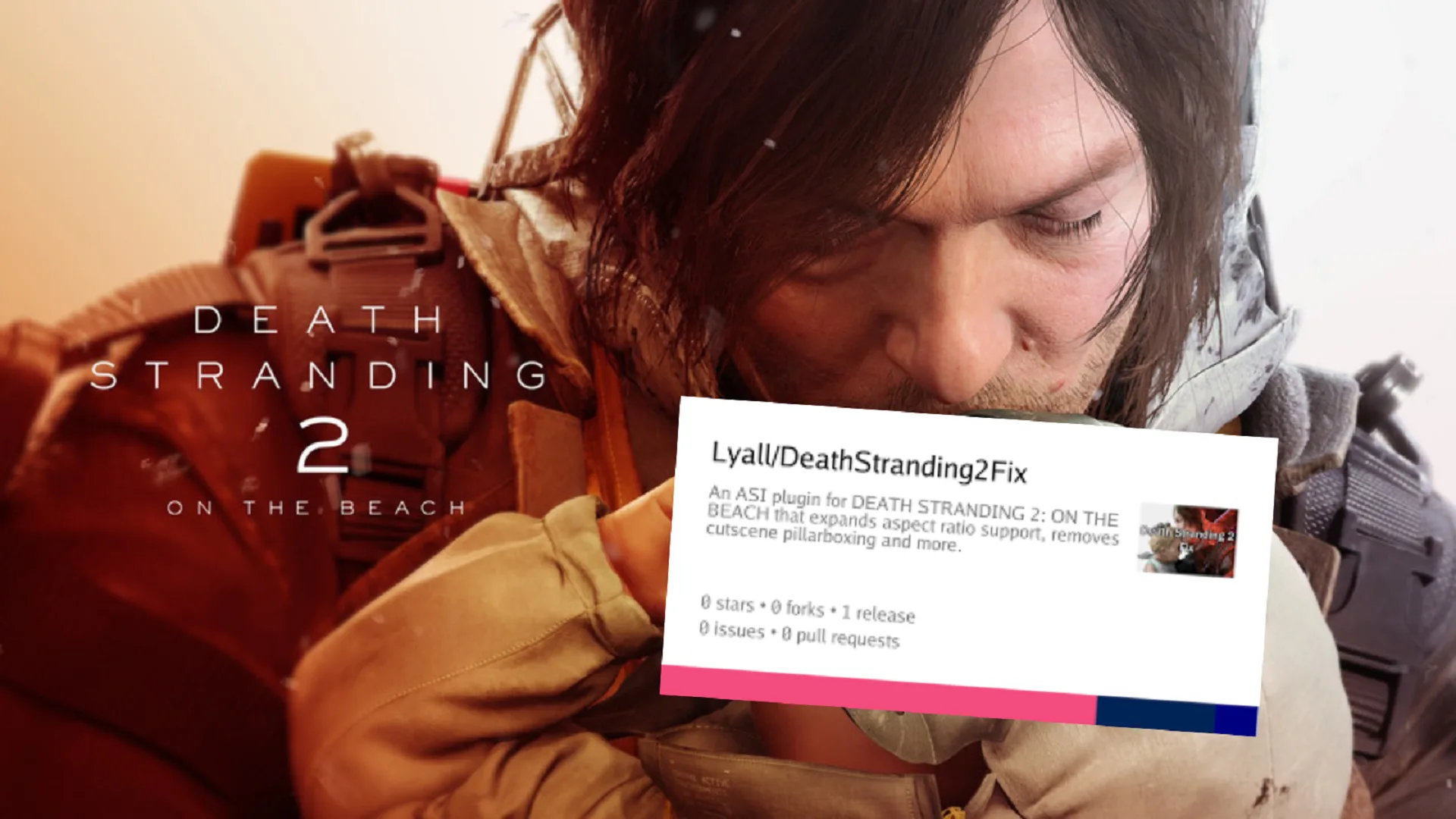
Anyone who’s playing Death Stranding 2: On the Beach on a 21:9 ultrawide or 32:9 Super Ultrawide monitors would know that while gameplay looks stunning in true ultrawide, but every story cutscene slams you with thick black bars on the side (pillarboxing). This is no way to play as it breaks immersion in Hideo Kojima’s cinematic masterpiece.
But there is nothing to worry about, there is a solid solution to the cutscene black bars issue in Death Stranding 2. The fix is community driven so you’ll need to do it yourself and configure some things but I’m here to guide through it.
Nixxes Software’s PC port of Death Stranding 2 (released March 19, 2026) is one of the strongest Decima Engine ports to date. But the game’s cutscenes are pre-rendered for 16.9 / 21:9. What happens is the game automatically adds pillarboxing to maintain the director’s intended framing on wider displays.
Fix: Lyall’s DeathStranding2Fix (Recommended)
This is without a doubt the best fix for Death Stranding 2 black bars on wide screens issue. Community modder Lyall has a lightweight ASI plugin that called “DeadStrandingFix.”
Here are the steps you must follow:
- Close the game and Steam fully. Make sure not Death Stranding or Steam related processes are running in the task manager.
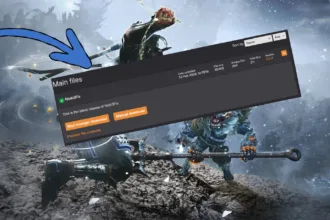
- Go to Lyall’s official DeathStranding2Fix page on Codeberg and Download the latest zip: DeathStranding2Fix_0.0.4.zip (or newer).
- Extract the entire contents directly into your game installation folder which is located in one of your drivers, wherever you’re installing Steam games. The path will look like this: steamapps\common\DEATH STRANDING 2 – ON THE BEACH
Now launch the game again through Steam as normal. If your encounter any crashes just revert the changes you made to Death Stranding’s installation folder.
The mod will apply automatically when you launch the game. You’ll notice that the black bars on your ultrawide screen while DS2 cutscenes play no longer exist. The mod will give you full screen cinematic experience on ultrawide screen.
DeathStranding2Fix mod offers the following features:
- Adjust gameplay FOV.
- Support for any aspect ratio.
- Disable cutscene pillarboxing.
- Constrain gameplay HUD to 16:9.