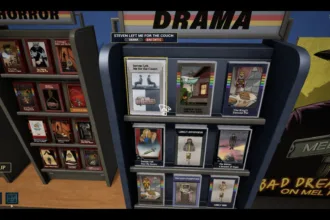

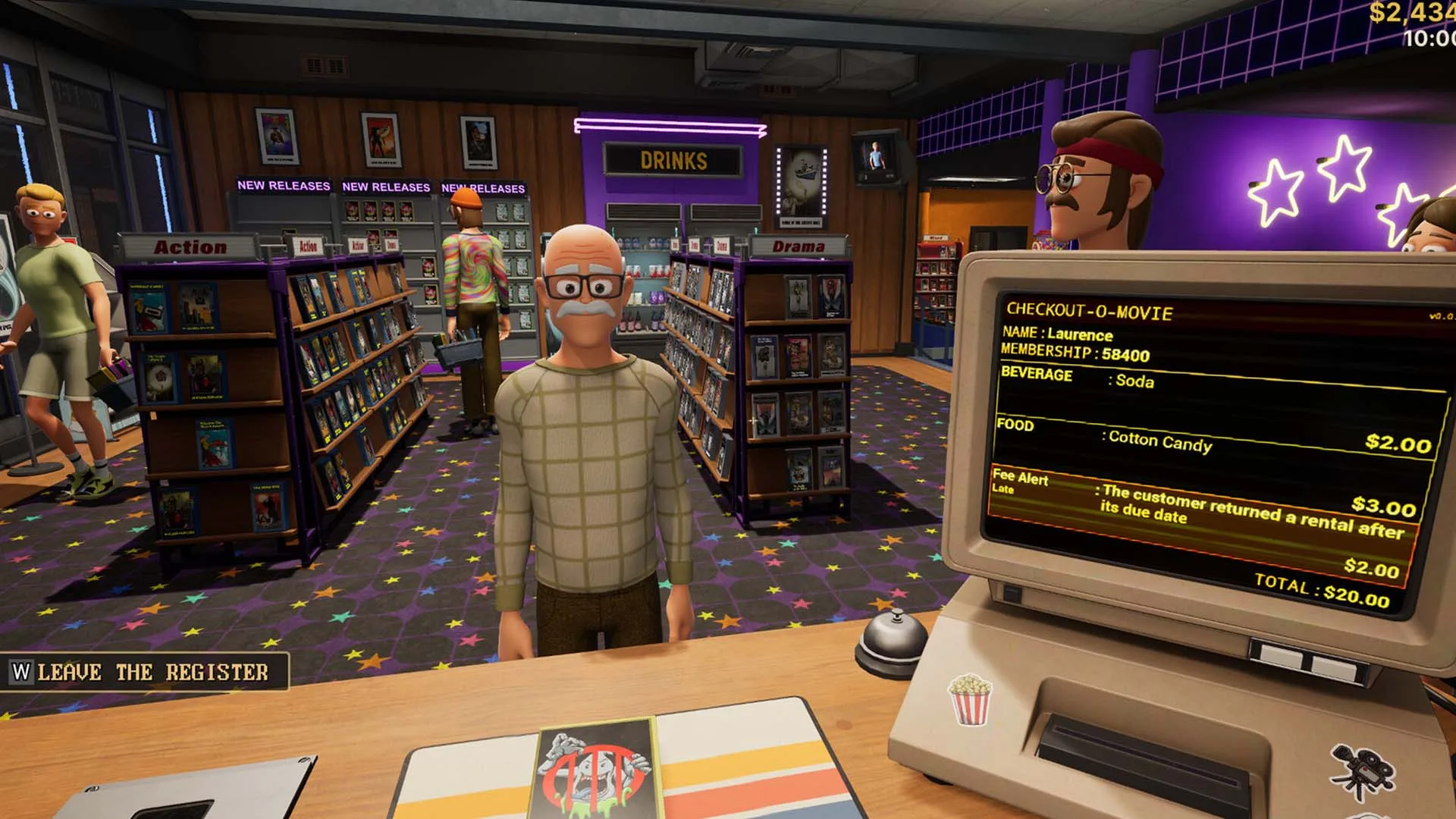
Retro Rewind players start with a tiny store that has limited inventory but huge potential. There is limited space for shelves, movies, snacks, and decorations. Over time, as your foot traffic increases, you’ll need to add more space to accommodate more inventory, decorations, and much more.
More space in your Retro Rewind leads directly to increase revenue because a lot more can be done with the store.
To increase store size, you purchase floor space expansions (also called room or section upgrades) using the blueprint poster in your back office. There are six expansions total, and unlocking all of them earns the “Big Store Energy” achievement.
Retro Rewind: How to Expand Your Store
Go to the video store’s office and on the wall, there is a framed blueprint of the store labeled “Store Extensions” (or “Bob’s Renovation Services”). There are multiple sections on this blueprint that are available for purchase. Approach and interact with it (usually E or the prompt).
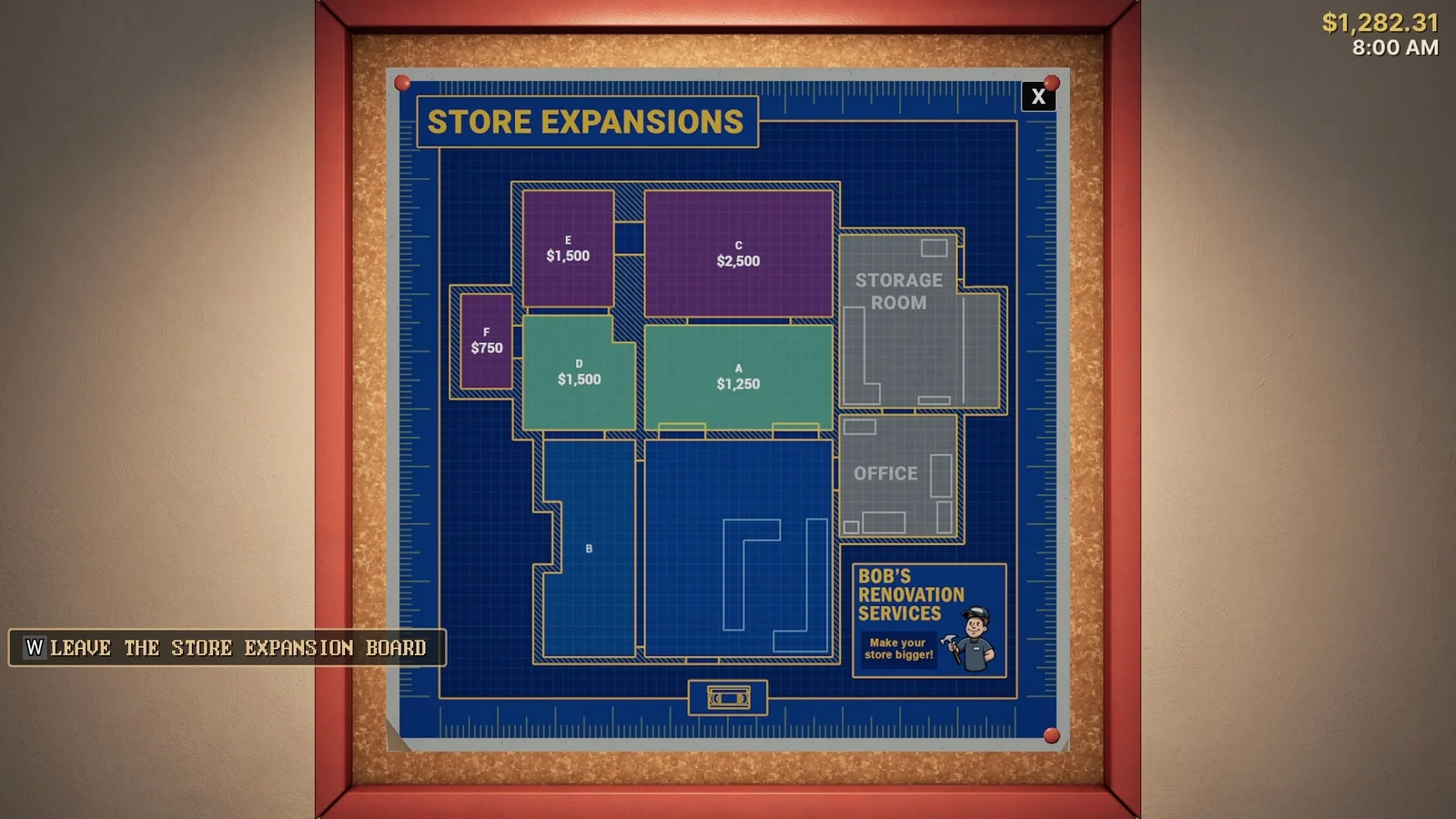
The map shows the current layout of the store and sections that are locked but available to purchase. Locked sections are highlighted with their costs, grayed out or non-adjacent ones are locked until certain requirements are met.
Select one adjacent to your existing space and pay the cash cost. The store instantly expands, adding new floor area, walls, and layout options. After you expand the store, re-organize the shelves, add new ones from the catalog, stock more movies via your computer, and create a customer flow that works in a way that walkways stay clear.
Expansions are purchased progressively, meaning you can’t add anything you want. There is a progression order that you must follow. You can only purchase sections connected to your current store (no skipping ahead)
Costs and sections include:
- B (left side when facing from outside): $1,000 — Often the first one. Adds space + a toggleable ceiling-mounted TV.
- F (small section off B): $750
- A (straight ahead, between office and storage): $1,250
- D: $1,500 (unlocks further options)
- E (off D/A): $1,500
- C (larger section, after D and A): $2,500 — One of the pricier ones.
In total, there are 6 store extensions you can add to increase the size of your store.
When to Increase the Size of Your Store
Increase your store size when shelves are full, new movies have nowhere to go, customers are crowding the aisles, or daily revenue is capped. It is best not to rush expanding if you have usable space. Money is better used to hire better staff that play a big role in increasing your revenue and improving store management.