
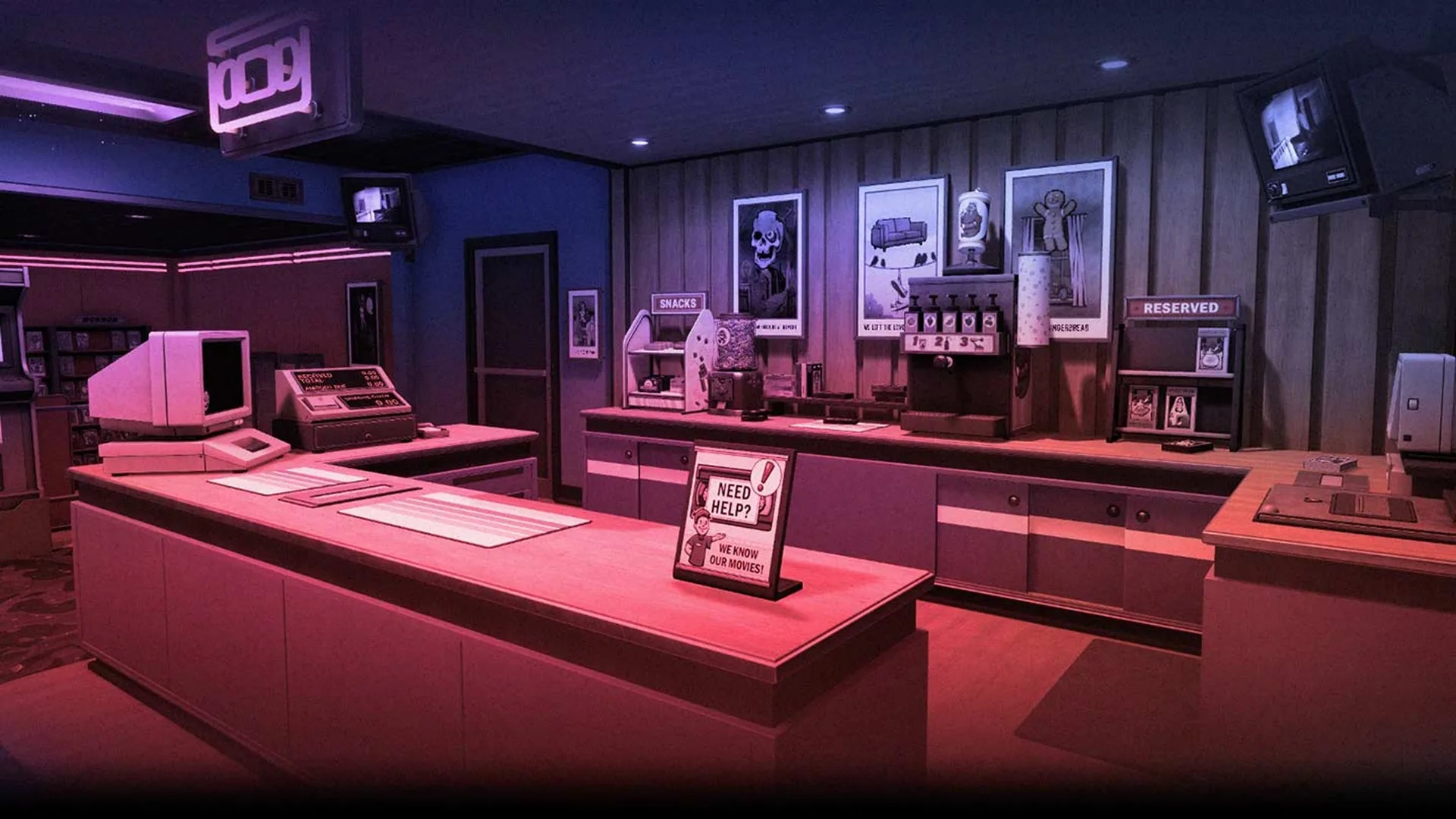
Retro Rewind (Video Store Simulator) does a great job at capturing the chaos of a video store of the 1990s. And part of this is how it throws broken tapes at you. Tapes don’t always come back in one piece, customers break your tapes so having multiple copies of a film is important but also you must know how to deal with broken tapes in Retro Rewind.
These damaged tapes cannot be repaired in the current version of the game (a VHS repair station is planned for future updates).
Removing Broken Tapes
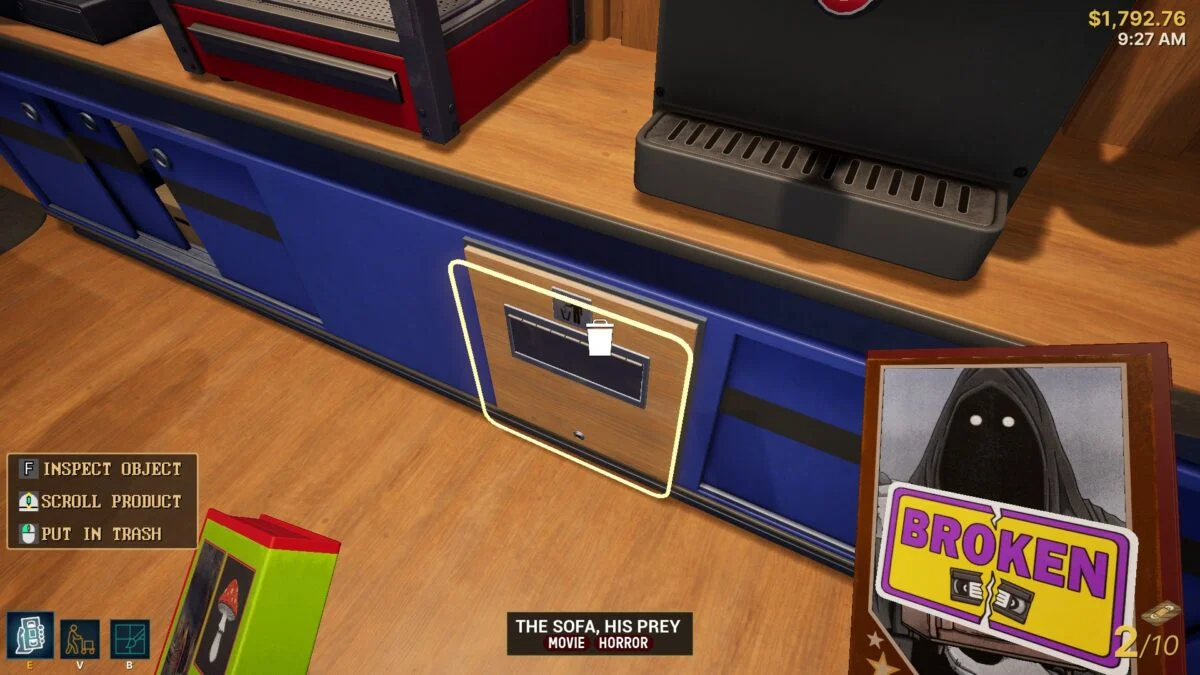
As I’ve made it clear before, there is way to repair broken tapes in Retro Rewind. The only option is to remove it from your shelves. Throw the broken tape into the trash bin found under the slushie machine. When a broken tape is discarded, a fee of $20 is charged to the customer who returned the broken tape.
Identifying a Broken Tape
To identify a broken tape, you need to know the signs:
- You will hear a distinct sound effect.
- The tape cover shows a visible damage icon.
- The game notifies you that the tape is broken.
This fee is charged the next time they rent or buy something. Never waive the fee unless you want to lose money, it helps offset replacement costs. The customer will never be happy when you ask them to pay the fee, so you can waive it but losing money is not recommended.
Replacing Broken Tapes
Even though this should be a very standard thing to understand but for some reason Retro Rewind doesn’t do a great job explaining how to replace broken tapes. Replacing tapes depends on whether the movie is a new release or an older title.
If it is a new release go to the computer in your office and open the “New” tab. Buy another copy of the same movie but it is only available if the movie came out within the last 7 in-game days. The new tape arrives in the drop box in your storage area. Pick up the tape and place it on the appropriate shelf.
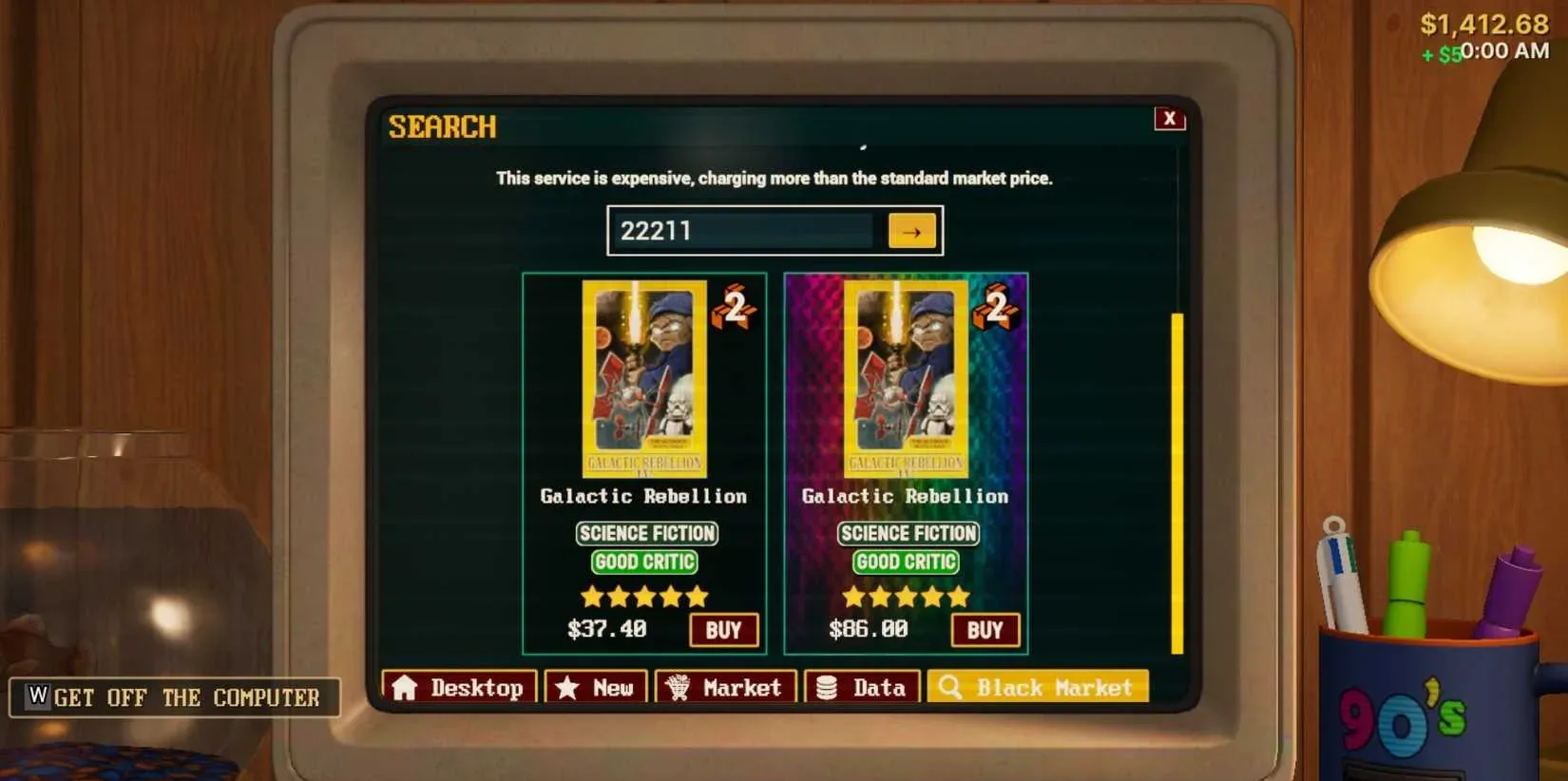
For older movies you need to go to the Black Market. While holding the broken tape (before trashing it), press F (default inspect key) to view its details.
Note down the SKU code shown on the left into panel. Open the office computer and access the “Black Market” tab. Add the SKU code in the Black Market to look up the item and purchase it. The tape will arrive in your storage drop box. Pick it up from there and place it on the shelf you want.
Black Market prices vary, sometimes you get a bargain, sometimes it’s expensive. Use this option sparingly for high-demand titles only.