
Sometimes you just want to get into the game without seeing all the intro videos from Koei Tecmo, Team Ninja in Nioh 3. But every time you boot up the game they are right there, annoying the hell out of you.
On PC, the startup sequence, including intro videos, autosave warnings, and unstable graphics popups, can take over a minute, which gets old fast during testing builds, quick sessions, or after crashes. Lucky for us, there’s a simple, safe mod that skips it all instantly.
To skip intro videos in Nioh 3 you need the following things:
- Nioh 3 via Steam (primary platform).
- 7-Zip or Windows built-in extractor.
- Admin rights for your game folder. Close the game before installing.
Skipping Intro Videos in Nioh 3
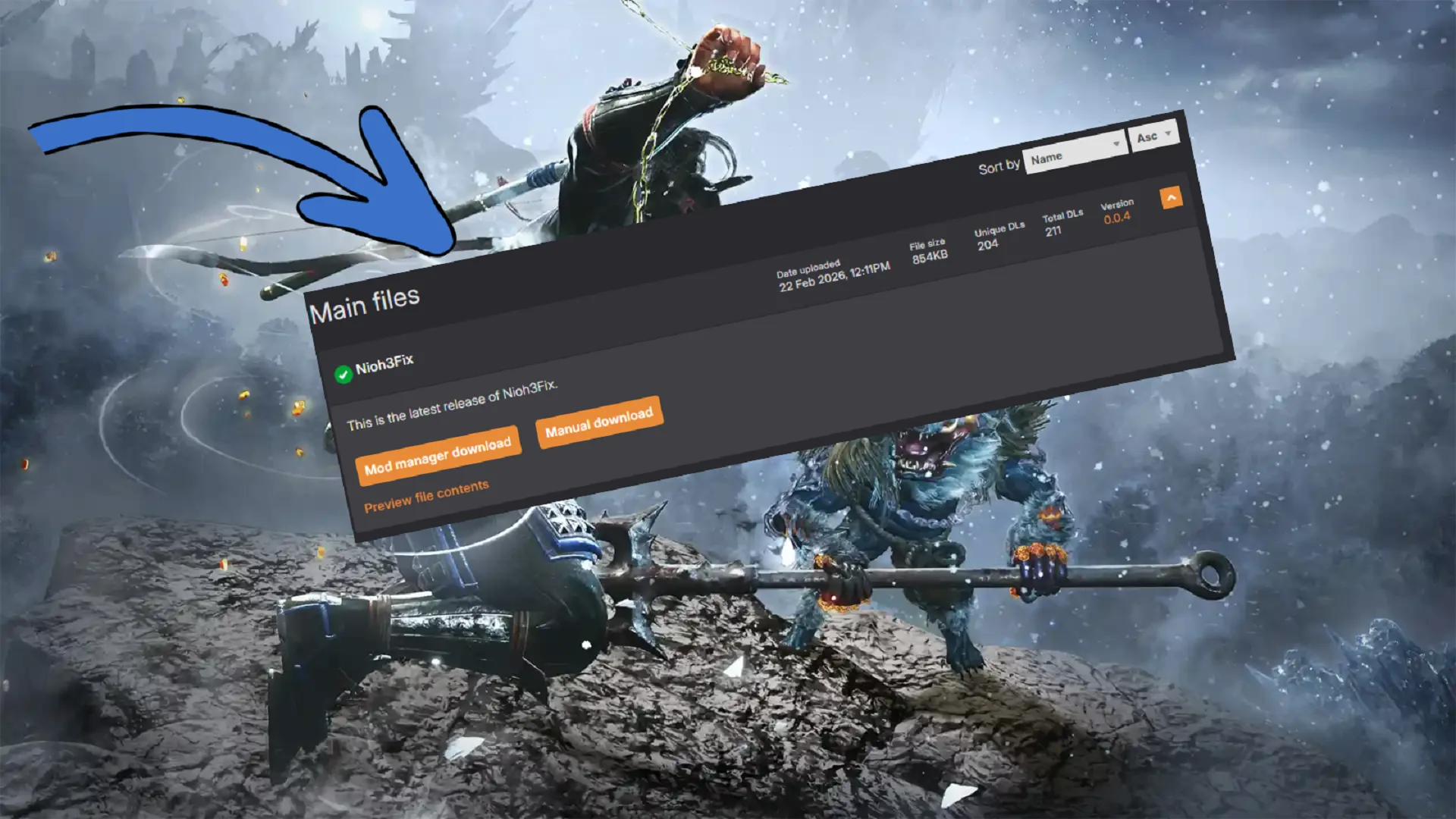
To do this we are going to the Nioh3Fix from Codeberg. It has many features you can use to tweak Nioh 3 for yourself but the easiest one to set up is skipping logos and intro videos because this is a default feature of Nioh3Fix.
First, make sure to fully close the game. Shut down all processes related to Nioh 3 from the Task Manager too.
- Download the latest Nioh3Fix from Codeberg or Nexus Mods
- Extract EVERYTHING from the ZIP directly into your Nioh3 folder- steamapps\common\Nioh3 (dinput8.dll, Nioh3Fix.asi, Nioh3Fix.ini.)
- Overwrite if prompted
If you don’t know where the Nioh 3 game folder is. Open Steam, right click on the game and go to Manage and click on Brown Local Files. Copy and paste the zip folder files directly into the Nioh 3 folder.
That’s all you need to do. Now boot up Nioh 3 and your logos and intro videos will be gone and you’ll land right into the main menu. In addition to skipping intros you can do a lot more with Nioh3Fix.
| Section | Key Settings | What It Does | Recommended |
|---|---|---|---|
| [IntroSkip] | Enabled=true | Skips logos, autosave/graphics warnings (default: on). | Leave on. |
| [CustomRes] | Width=3840 Height=2160 Leave=true | Forces custom res (e.g., 4K). Leave=false uses desktop. | For non-standard monitors. |
| [MenuFramegen] | Enabled=true | Frame gen in menus (DLSS/FSR3/XeSS). | RTX 40/AMD users: yes. |
| [LODDistance] | Multiplier=1.9 | Boosts draw distance (0.9-1.9). | 1.5+ for better visuals. |
| [Ultrawide/Narrower] | FixVfoV=true FixHud=true FixMovies=true | Ultrawide HUD/FoV/movies; narrow res fixes. | Essential for 21:9+. |
| [Experimental] | SetFps=true TargetFps=58 Frameskip=false | Dynamic FPS cap for frame gen stability. | Test; can cause hitches. |