
Marathon is a game that is designed by Bungie as a squad-based shooter experience. However, the game does let players enter matches alone if they prefer to play solo. There is no separate solo playlist, but you can still queue by yourself through the standard matchmaking settings.
What this means is that you can’t play solo maps, only drop solo in squad-based maps and matches. This is a big risk of course.
How to Play Solo in Marathon
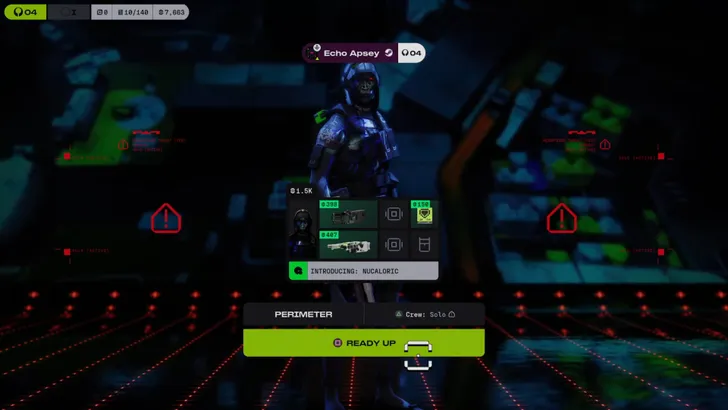
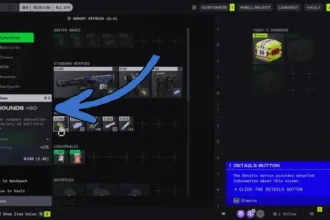
To enter a match alone, you need to disable the automatic teammate option before starting matchmaking.
- Open the matchmaking or deployment screen.
- Locate the Crew Fill option.
- Turn Crew Fill OFF.
- Start matchmaking normally.
With Crew Fill disabled, the game will not assign teammates, and you will enter the raid by yourself. When you enter a map solo, you will encounter other Solo players, duos, and full three map teams. Since teammates can revive each other, solo play gets more challenging.
When playing solo you will encounter situations where you face teams working together. Squads have the advantage if communications and shared resources while as a solo you will often end up relying on stealth, positioning, and resource management.
Extraction shooters are designed around risk and reward, and solo runs generally carry higher risk since you do not have teammates to support you.
If that’s a problem, you can try playing duos which makes things a little better, but you’ll still be facing a 2v3 situations since there are no solos and duo exclusive modes.