
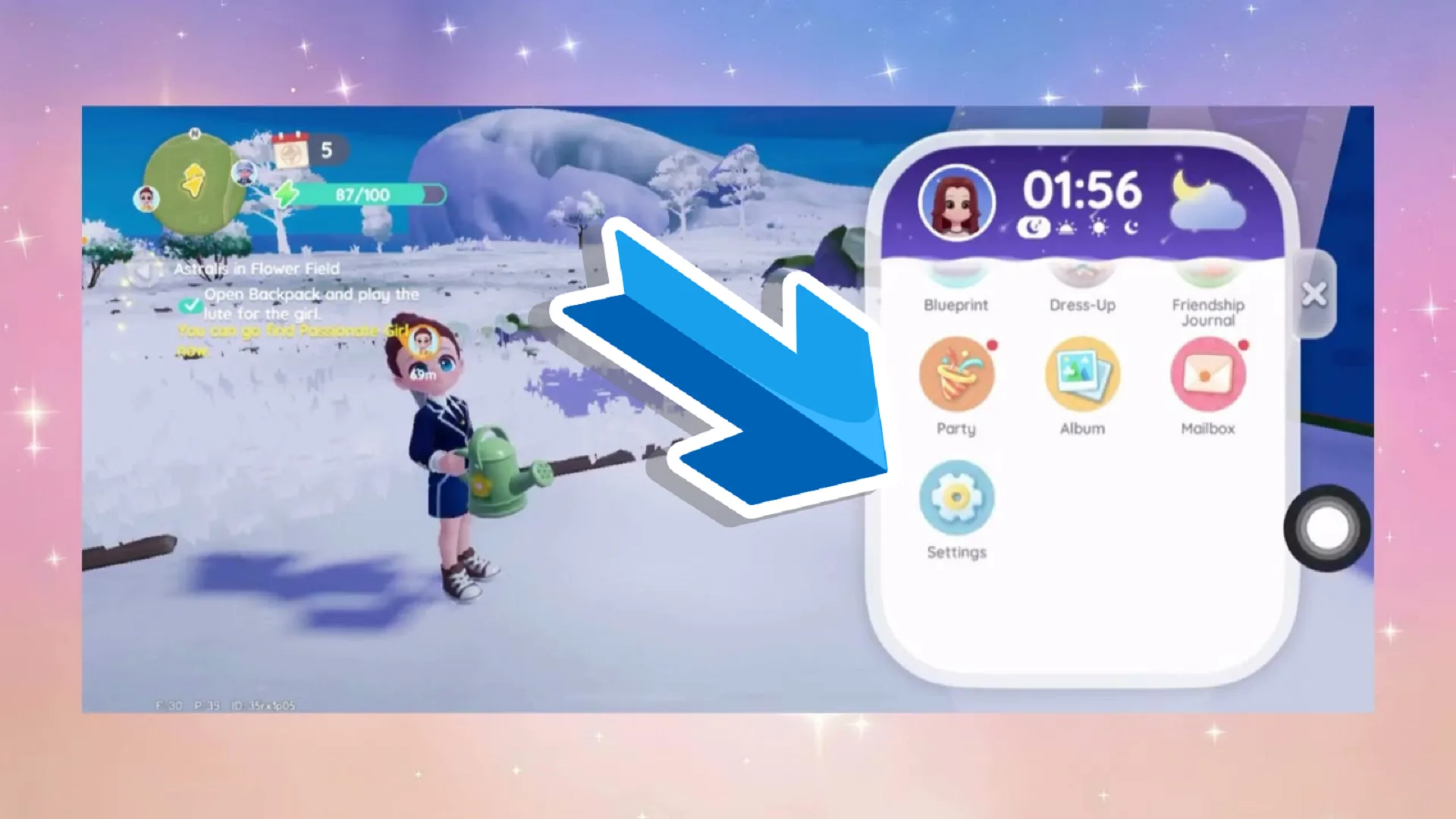
The Winter Frost season is upon us and with it we have some brand new features in Heartopia. The season that will last till March 2026 adds falling snow and ground coverage for immersion and to give the maps a wintery look.
The effects look pretty awesome but it seems many players are not liking it. There seems to be an issue with snow that is tied to the game’s performance. Some players report getting lag while the snow effect it on so naturally they want to turn it off, but how? How do you turn off the snow effect in Heartopia?
Steps to Disable Snow Effects
- Open the settings menu (tap the gear icon, usually in the top-right corner or main menu).
- Go to the Graphics or Display section.
- Look for Advanced Effects (or a similar option like “Snow Effects” or “Seasonal Effects”).
- Toggle off the snow-related setting.
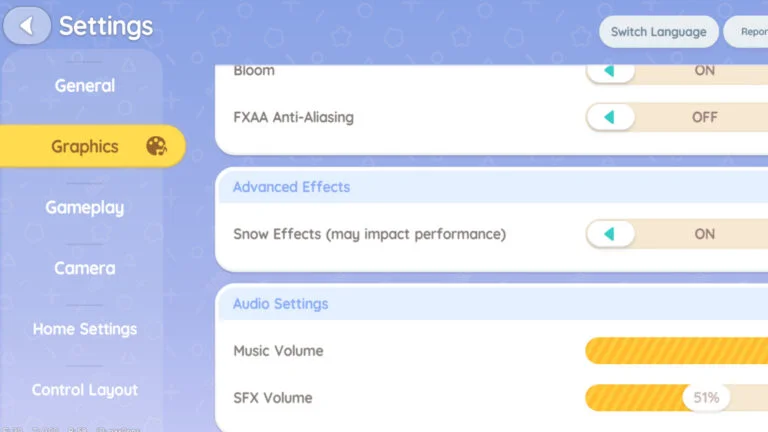
When the snow effect is turned off your game will look normal again. Many players report smoother gameplay and reduced lag after disabling this, especially on mobile devices.
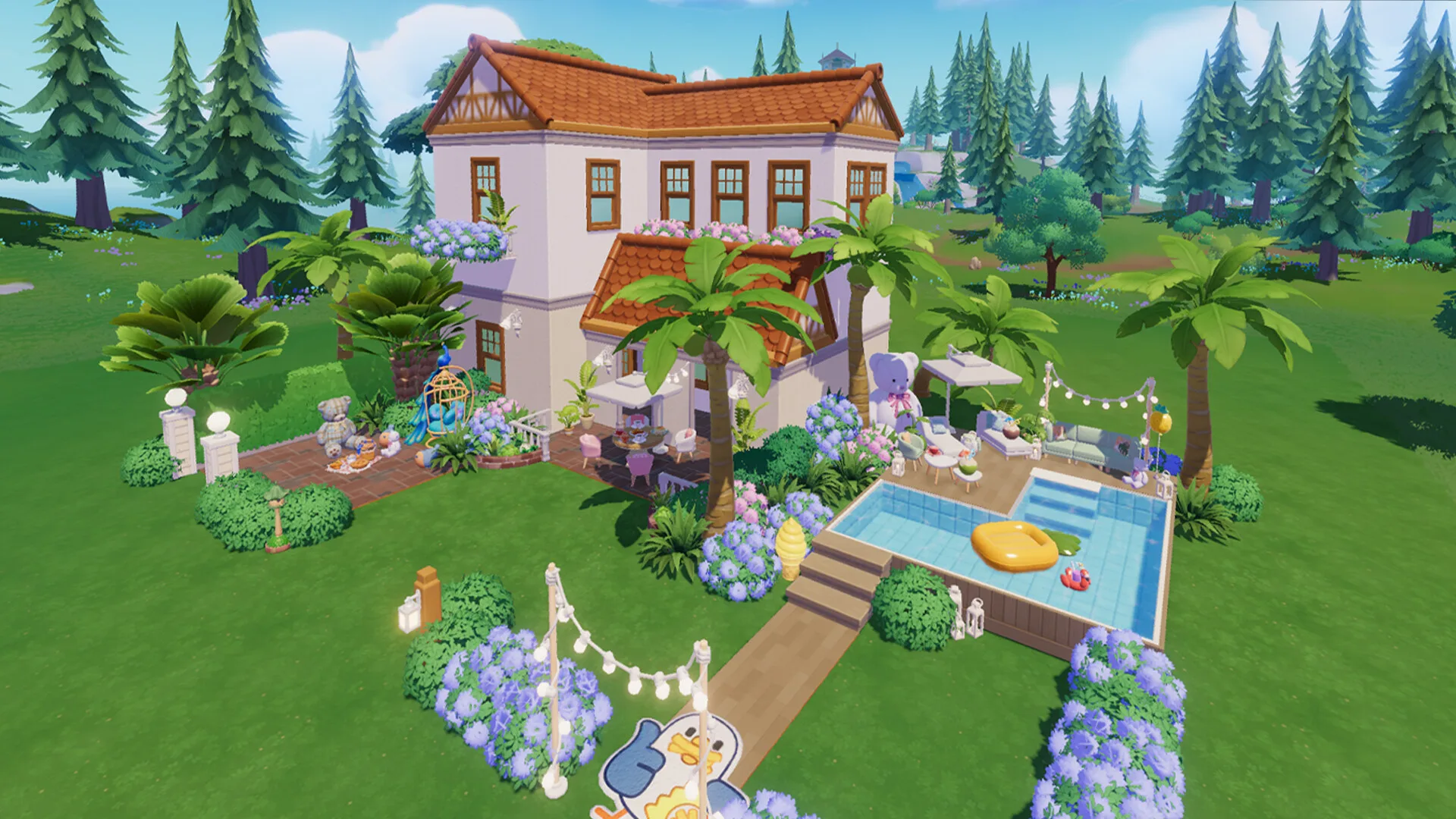
Turning off snow will have no impact on the ongoing Winter event in Heartopia. You can still do event related tasks and earn rewards as usual. If you want to turn off snow again at some point, follow the same steps and toggle it back ON if you want the winter visuals again.
After turning the snow on/off you won’t need to restart the game. The option works live in-game. Since the snow effect causes performance issues for some but you want to keep the snow, try lowering the graphics settings.
Coming down from High to Medium or Low helps the snow lag problem reportedly.