
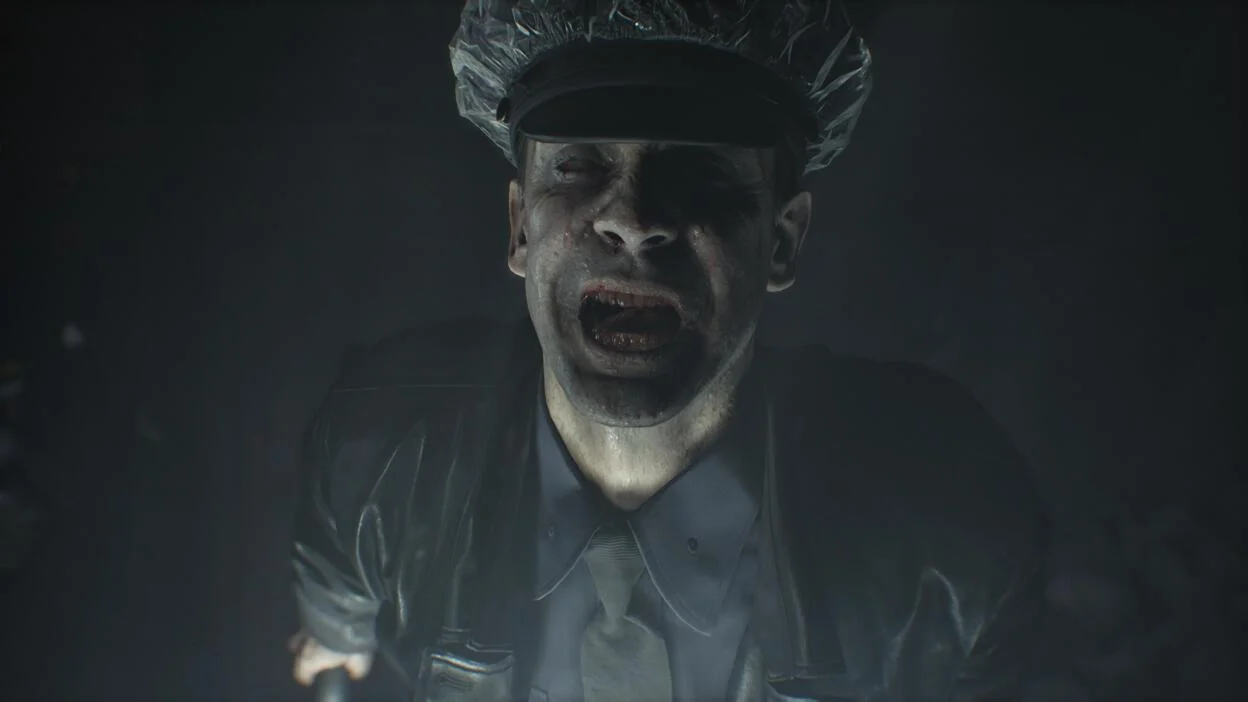
Resident Evil Requiem has a weird issue where you see odd white texture everywhere. It is a graphical issue on PC where characters including Grace and Leon look like mannequins with missing skin textures. This is usually triggered by the Subsurface Scattering graphics option interacting poorly with certain hardware, drivers, or high settings.
The White Texture glitch is mainly due to a graphics option called Subsurface Scattering. While there are other reported causes but is most cases Subsurface Scattering is the reason.
Primary Fix: Disable or Lower Subsurface Scattering

The only fix for Resident Evil Requiem White Texture issue is disabling or lowering Subsurface Scattering. This resolves the issue for the vast majority of players and requires no mods or restarts in most cases.
To fix Resident Evil Requiem White NPCs launch the game and do the following:
- Open options and go to Graphics tab
- Click on Image sub-tab
- Scroll down to Advanced Settings
- Turn off Subsurface Scattering
If for reason this doesn’t work for you there are other things you can try. Temporarily set graphics preset to Low and then restart the game and switch back to your preferred preset (Standard or Custom). This can force a shader reload and clear the glitch.
Additionally, turn off DLSS which reportedly contributes to the White Texture glitch in Resident Evil Requiem. Some players report it contributes to white textures, flashing lights, or shimmering. Toggle it off in the Graphics settings and test.
Lastly, I recommend updating your Nvidia graphics drivers to make sure you have the latest ones that support Resident Evil Requiem.

:"Fix the Resident Evil Requiem white texture / white skin bug instantly. Learn how to disable Subsurface Scattering (or set it to Low) in Graphics > Advanced Settings to restore normal character textures on PC. Quick, no-mod solution that works for most players)